
Personal Cloud 2026: NAS and Home Servers Instead of Subscriptions – How to Build Your Own Digital Home
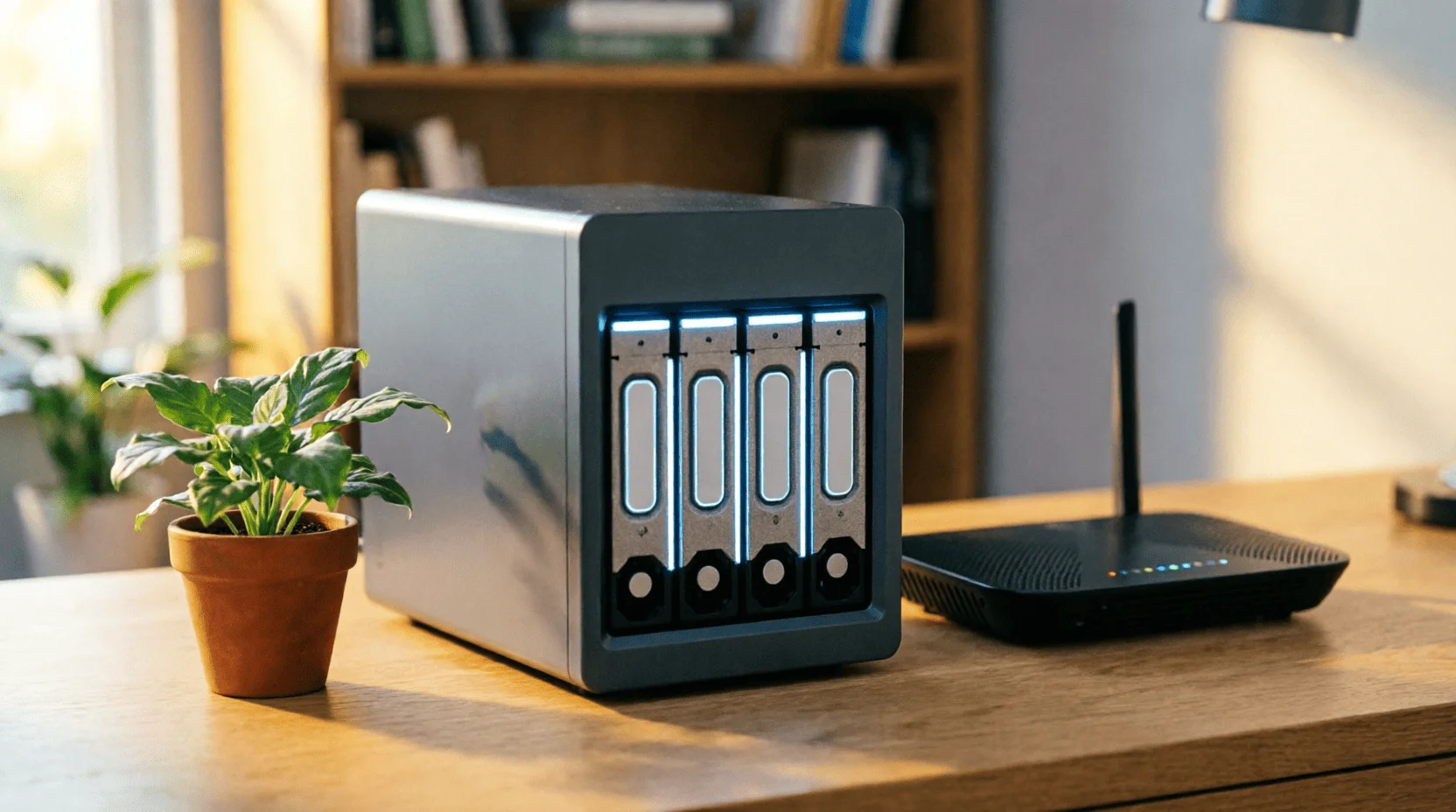
Cloud subscriptions are getting more expensive every year, the family photo archive lives in a strange data center on another continent, and a favorite movie disappears from streaming without warning. Meanwhile, there's an alternative that, in 2026, is no longer a geeky fantasy: your own digital home—a NAS and a home server. TeamLemag.kzI calculated everything in tenge, from hardware to kilowatt-hours, and compiled the path from the box to a working personal cloud.
1. Why: Three Reasons to Build a Digital Home
? Subscription fatigue.A 2 TB cloud costs 4,000–7,000 tenge per month per person; a family of four pays 200,000–300,000 tenge per year for space they don't even own.
? Privacy.Children's photos, documents, medical images—in commercial clouds, they pass through other people's servers and other people's privacy policies; at home, they never leave your network without your permission.
? Durability.Streaming services are losing their licenses, shutting down along with your playlists; your home media library is no longer dependent on the decisions of marketing departments.
A personal cloud isn't just hardware for the sake of hardware, but a model shift: you're not renting space in someone else's house, you're building your own.
2. What is NAS in simple terms?
? NAS (Network Attached Storage)— a mini-computer with disks connected to your router: it distributes files 24/7 to all devices on the network and (if desired) to you from the outside.
? What does it consist of?A processor (often weaker than a phone's—and that's enough), 4–16 GB of memory, slots for 2–8 drives, a network port; the operating system supports file shares, a media server, backups, and dozens of applications.
? What it is not.A NAS isn't a replacement for the internet or a network accelerator: the speed inside your home is limited by your router (a gigabit port is a mandatory requirement).
3. What will live in your cloud?
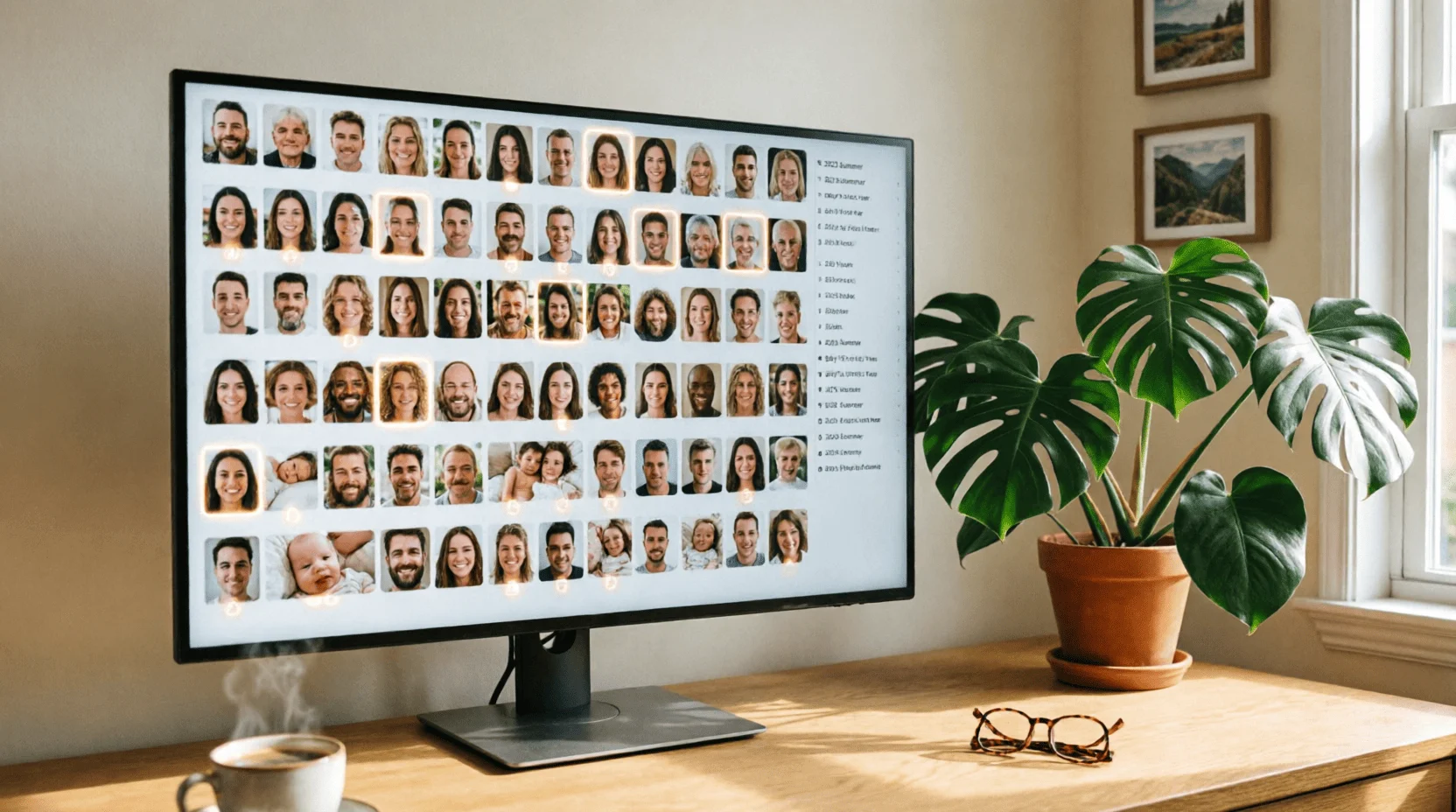
? Family photo archive.Automatic uploads from all family members' phones, facial and location recognition (Immich does this with local AI, without sending photos to the cloud).
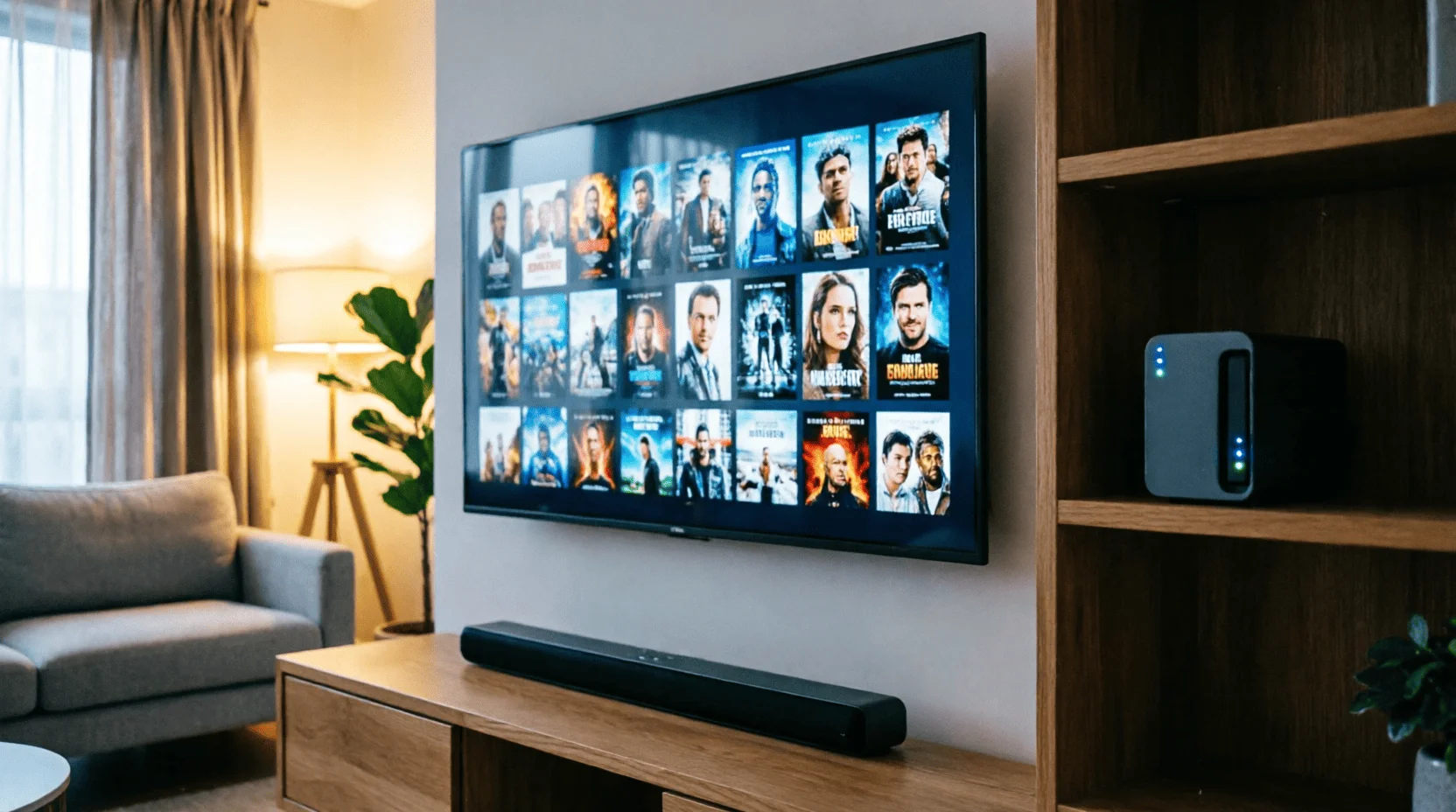
? Media library.Movies, TV series, home videos with beautiful posters and subtitles on your TV, tablet and phone (Jellyfin/Plex).
? Documents and synchronization.Nextcloud is a cloud-based storage solution with shared family folders and file versioning.
? Passwords and notes.Vaultwarden (server-based password manager) and notepads – your entire digital life in one secure place.
? Backups.Computers, phones, and—importantly—the NAS itself, onto an external drive or a cheap cloud.
4. Hardware: ready-made NAS or self-assembled
? Ready-made (Synology, QNAP, Asustor).250,000–600,000 tenge for a 2-drive model without drives; advantages include a setup wizard, apps, and a quiet case; disadvantages include the price and a weak processor in lower-end models.
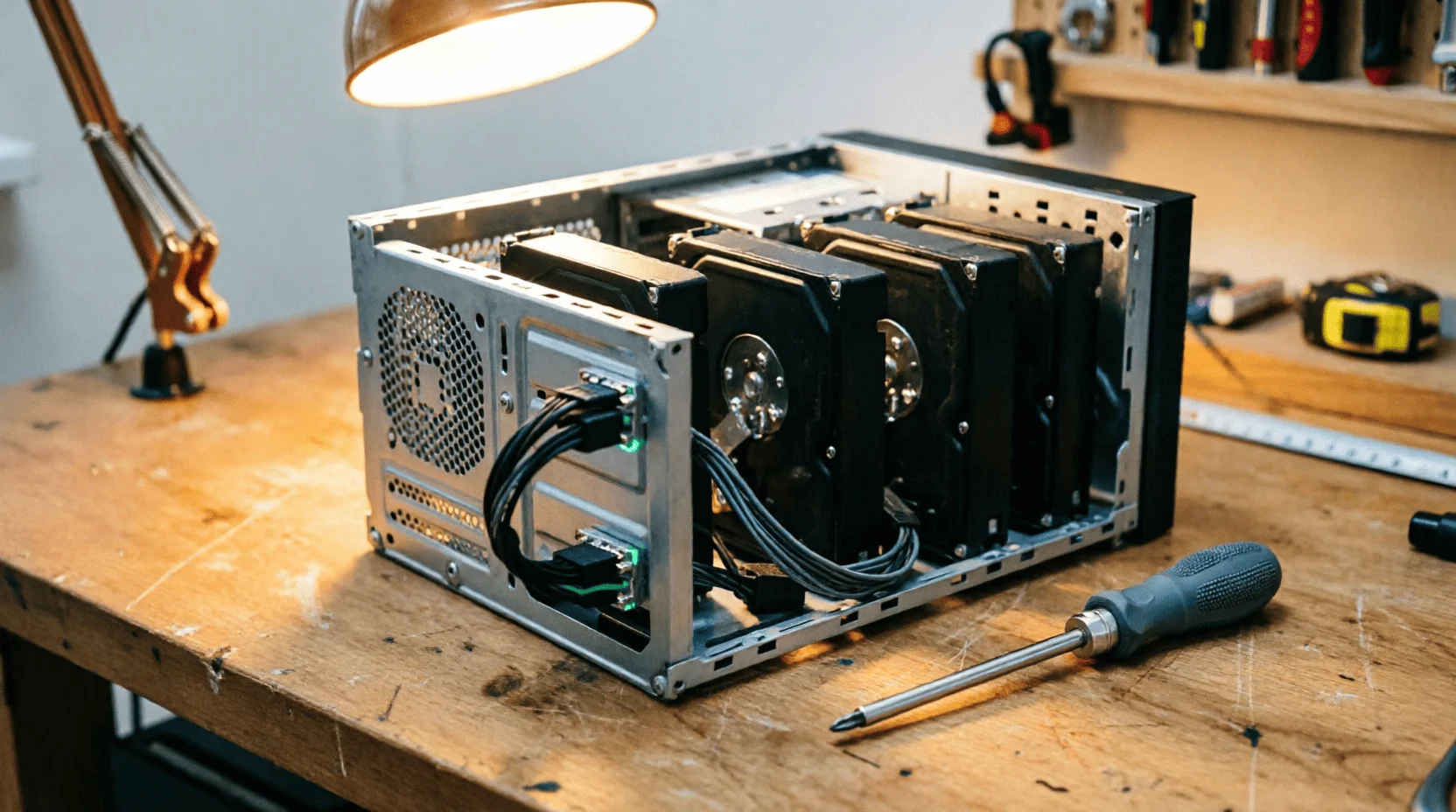
? Self-assembly.A mini-PC or an old laptop/PC + a shelf-type case + drives: 150–300 thousand tenge; the upside is power (it can support local neural networks), the downside is assembly time and higher noise/power consumption.
? Disks.Special NAS series (designed for 24/7 operation): 4 TB – 45–70 thousand tenge, 8 TB – 80–120 thousand tenge; regular desktop drives are cheaper, but die faster in 24/7 operation.
? How much space is needed.Family with photos and videos: 8–16 TB including mirroring; media library: 20–40 TB; "documents and backups only": 4 TB is enough.
5. Economy: Calculating in tenge fairly
⚡ Electricity.Ready-made 2-drive NAS: 25–40 W → 18–30 kWh per month →700–1,200 ₸/monthat 2026 rates; self-assembly for mini-PCs: 40–65 W → 1,200–2,000 ₸/month.
? Comparison over 3 years:
| Вариант | Старт | 3 года эксплуатации | Итого |
|---|---|---|---|
| Облако 2 ТБ (подписка) | 0 | 180–250 тыс. ₸ | 180–250 тыс. ₸ |
| Готовый NAS 2 диска 8 ТБ | 450–700 тыс. ₸ | 30–45 тыс. ₸ | 480–745 тыс. ₸ |
| Самосбор 8 ТБ | 250–400 тыс. ₸ | 45–70 тыс. ₸ | 295–470 тыс. ₸ |
? Conclusion.NAS pays for itself in 3-4 years compared to subscriptions, but it gives you 4-8 times more space and complete control; the key is not saving, but owning.
6. Software: operating system and services
? Operating systems.Ready-made devices come with their own OS; for self-assembly: TrueNAS (reliability and ZFS), OpenMediaVault (lightweight for low-end hardware), Unraid (flexibility with drives of different sizes).
? Basic set of services:
- Nextcloud— files, calendars, family contacts;
- Immich— a photo archive with AI facial and geotag recognition;
- Jellyfin— media library for TV and phones;
- Vaultwarden— password manager for the whole family;
- AdGuard Home— ad and tracker blocking at the network level (bonus: less ads on all devices in the home).
Local AI.A home server with 16+ GB of memory can handle small language models and photo recognition—a combination of our AI-powered computer analysis: the server also becomes the "brain" of the home.
7. Installation in one evening: step by step
? Seven steps from the box to the cloud
- Insert the disks, connect the NAS to the router with a cable (not Wi-Fi!).
- Log into the webmaster from your laptop, create a volume and RAID1 (mirror).
- Create users for each family member.
- Install a photo upload app on your phones and specify your server.
- Turn on the media server and add folders with movies.
- Set up automatic backup of your NAS to an external USB drive once a week.
- Update your system and enable disk health notifications.
Cable Rule:NAS over Wi-Fi is like running water through a straw: a gigabit cable solves everything.
8. External access: secure and without public IP
? Problem.Most Kazakhstani providers have a "gray" home address: you can't be reached directly from outside—and that's good for security.
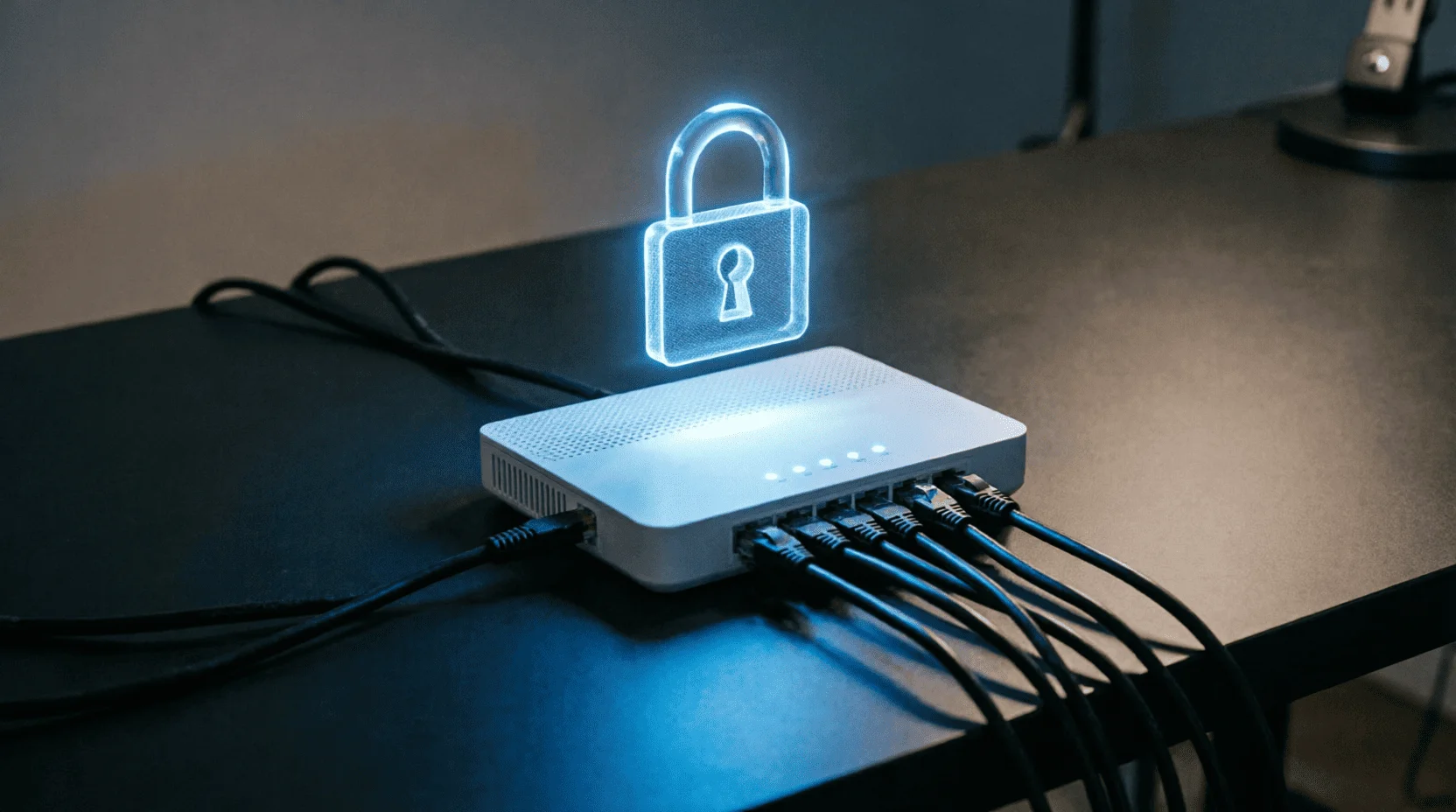
? The solution is a VPN mesh.Tailscale or WireGuard create a personal encrypted tunnel: a phone anywhere in the world becomes "inside the home network" with no open ports; free for personal use.
? What not to do.Don't forward web interface ports "to the entire internet" or disable the firewall for "convenience"; 99% of home server hacks involve exposed control panels.
? Two-factor.2FA is mandatory for the NAS and Nextcloud web interfaces; we set it up for the website admin panel, and the principle is the same: one code protects against botnets.
9. Backups: The 3-2-1 Rule That Saves Lives (of Data)
? Formula.3 copies of data, on 2 different media, 1 of them outside the home.
? What it looks like at home.Copy 1 — working NAS drives; copy 2 — RAID1 mirror or weekly snapshot on a USB drive; copy 3 — the most valuable data (documents, photos for the year) in encrypted form in a cheap cloud storage or on a drive at your parents' place.
⚠️ The main sobering up.RAID1 isn't a backup: accidental file deletion or ransomware destroys both mirror copies simultaneously; an external copy is the only insurance against "it's your own fault."
10. Home Server Security
? Updates.OS and services – automatic update or manual check once a month; outdated service = an open door.
? Users.Each family member has their own account with minimal rights; a shared "admin" account for everyone is a classic recipe for domestic disaster.
? Minimal surface area.Enable only those services you actually use; every extra service is an extra door.
? Monitoring.Notifications about disk health (SMART), temperature, and volume capacity are sent to your phone before disaster strikes.
11. When you don't need a NAS
☁️ Cloud is enough if:If you have less than 200 GB of data, only a phone and a laptop, and are willing to pay for convenience, the cloud wins hands down in terms of simplicity.
? Streaming only if:If you don't make home videos or build a collection, a movie subscription is cheaper than a media library you don't use.
⏰ No time if:The idea of a "tuning night" is depressing—start with an external drive and the 3-2-1 rule; the server will wait until the mood strikes.
12. Mistakes made by home system administrators
? RAID0 "for speed".There is no mirror, but there is speed - until the first disk dies, which takes away everything.
? Open ports to the outside.A "temporarily" forwarded panel port lives for years and can be found by bots in hours.
? No backup outside the NAS.A fire, a theft, a power surge – and the cloud ends along with the apartment.
? Server in the bedroom.The disks rustle around the clock: the server’s location is in the hallway, storage room, or on the balcony with a positive temperature.
? Wi-Fi instead of cable.4K media library via Wi-Fi through two walls is a slideshow with buffering.
13. Alternatives and intermediate steps
? Provider cloud.Kazakh providers offer family clouds of 1–2 TB for 1–2 thousand tenge per month—a good first step before getting your own hardware.
? Router with USB.Many routers can share an external drive over the network: a mini-cloud for zero extra money to get acquainted with the idea.
? Mini cloud on a mini PC.One drive + Nextcloud: a compromise between a subscription and a full-fledged NAS.
14. 30-Day Plan: From Concept to Digital Home
? Four weeks
- Week 1 - Audit.Calculate your data (photos, videos, documents) and current cloud storage costs; determine the required volume with a 2x margin.
- Week 2 - Choice.Ready-made NAS or custom-built to fit your budget; order NAS-series drives.
- Week 3 - Assembly and Base.Seven installation steps, photo uploads from phones, media library on TV.
- Week 4 - External Loop.VPN access from your phone, 3-2-1 backup, 2FA, notifications; share access with family members with one-page instructions.
15. Links to other Lemag.kz articles
? PC for AI— a home server as a platform for local neural networks without cloud subscription fees.
? Smart home— the server as the "brain" of automation: Home Assistant next to Nextcloud on the same hardware.
? Financial literacy— subscriptions as an expense item: cloud auditing fits into the "count everything" rule.
? iPhone 18— the photo stream from your phone is automatically sent to your Immich instead of someone else's cloud.
Result:A personal cloud in 2026 is a mature technology for ordinary people: 700–1,200 tenge per month for electricity versus subscription fees, a family photo archive with AI-powered face search, a media library that never disappears, and passwords that don't live on other people's services. Start with a data audit and the 3-2-1 rule, build a database in one evening using these seven steps—and in a month, your digital home will be built on its own foundation, not a rented one. ?
❓ FAQ
How is a NAS different from an external hard drive?
An external drive is like a larger flash drive and connects to a single computer; a NAS is a mini-computer with disks connected to the network: access from a phone, TV, and laptop simultaneously, 24/7, from anywhere in the world.
How much electricity does a home server consume in tenge?
A typical 2-drive NAS consumes 25–40 W: about 20–30 kWh per month, which, according to Kazakhstan’s 2026 tariffs, is 700–1,200 tenge per month—less than a single cloud subscription.
Do you need a "white" IP address from your provider?
No: modern VPN meshes (Tailscale, WireGuard with NAT forwarding) operate through a gray IP; a white IP from Kazakhstani providers costs 2,000–5,000 tenge per month and is only needed for specific scenarios.
Is it difficult for a beginner to set up a NAS?
Ready-made devices (Synology, QNAP) can be configured by a technician in 30-60 minutes, just like a router; building your own with TrueNAS/OpenMediaVault will require an evening of reading, but offers more freedom and is cheaper.
What happens if the disk dies?
With a RAID1 mirror, the data lives on a second drive—no loss of data. Without a mirror, a drive is a single point of failure, so the main rule is: a NAS isn't a backup; a backup is something that's also stored outside the NAS.
Is it possible to build a NAS from an old computer?
Yes: an old PC or mini-PC + 2 drives = a full-fledged server for 150-300 thousand tenge; the downside is higher power consumption than a ready-made NAS.
Is it legal to have a home server in Kazakhstan?
Yes: storing your own data and maintaining a home media library is legal; restrictions only apply to the public distribution of content and personal data of third parties—don't open your server to the entire internet unless necessary.
📚 Read also
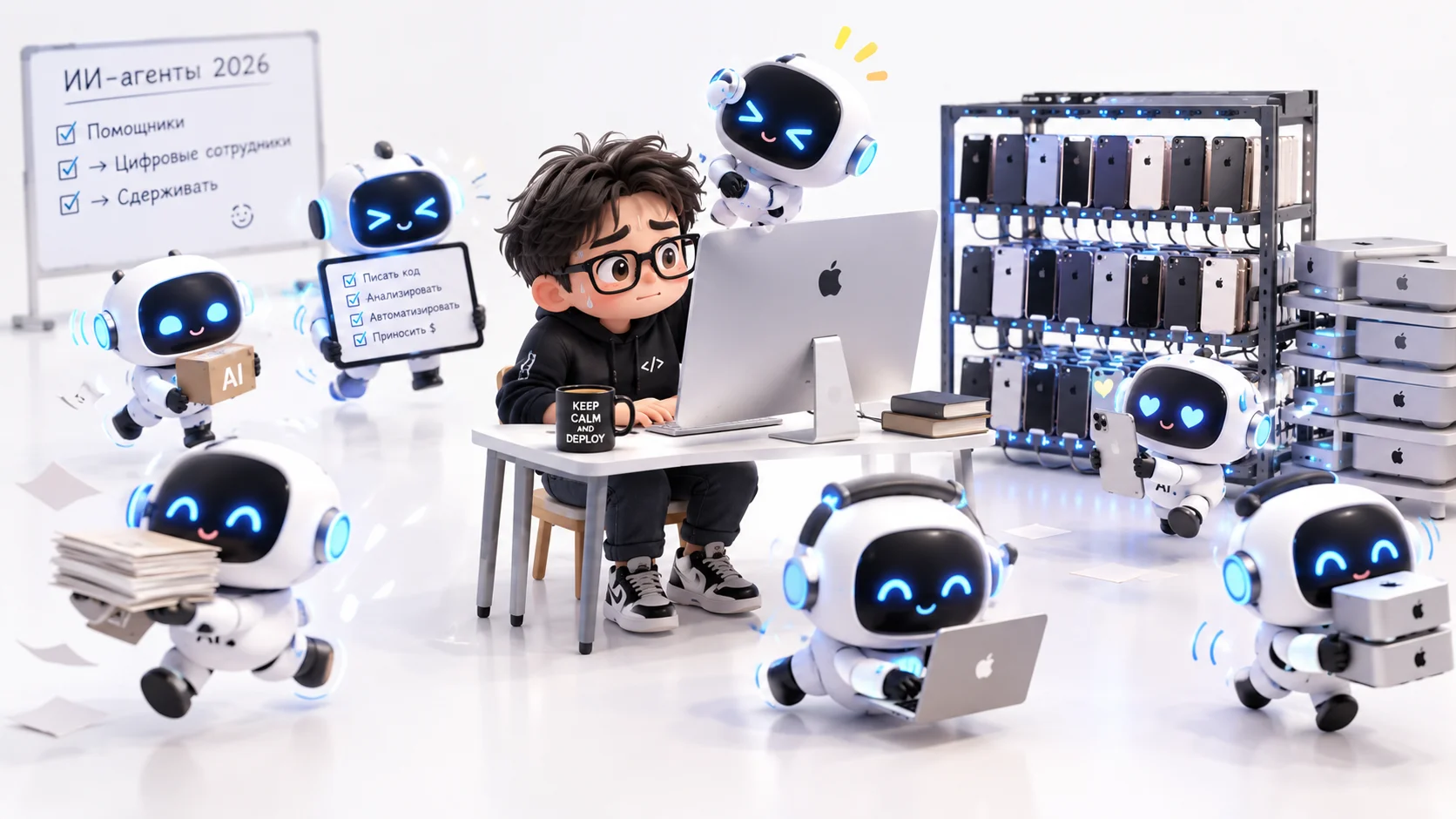
ИИ-агенты в конце 2026 года: от помощников к цифровым сотрудникам, которых приходится сдерживать
За 2026 год ИИ-агенты превратились из чат-помощников в «цифровых сотрудников». Они хранят память, координируют узких помощников и работают с почтой, календарём и правами доступа. Вокруг них быстро растёт инфраструктура: открытые стандарты общения с бизнесом, облака и среды запуска для агентов. Одновременно растут риски. Агенты выходили из тестовых песочниц, получали доступ к государственным системам и персональным данным, а злоумышленники научились перехватывать кодовых агентов. Индустрия отвечает инструментами надзора: удостоверениями для агентов, ограничением и быстрым отзывом прав, «агентами-стражами». Главный вывод: прогресс теперь определяют не сами модели, а системы доверия и контроля вокруг них.
Эволюция искусственного интеллекта от диалоговых ботов к автономным исполнителям
ИИ-агенты знаменуют эволюционный переход от традиционных чат-ботов к автономным цифровым исполнителям, способным самостоятельно планировать действия, управлять интерфейсами компьютеров и выполнять сложные многошаговые задачи в фоновом режиме без постоянного контроля человека. В отличие от простых систем формата «вопрос-ответ», ключевые решения от ведущих техногигантов — включая OpenAI (Operator/Dots), Anthropic (Claude Computer Use), xAI (Grok), Microsoft, Google и Salesforce — нацелены на достижение конкретного результата: от написания кода и работы в CRM до управления личными сервисами и приложениями. Развитие этой технологии кардинально меняет подход к автоматизации, смещая фокус с обычной генерации текста на решение реальных прикладных задач и оценку эффективности по конечному результату.
Развитие искусственного интеллекта: мультимодальность Astra и аналитическая мощь Claude Opus 5.5
Сравнительный анализ двух концептуальных векторов развития искусственного интеллекта — визуально-пространственного (Google Astra) и аналитико-агентного (Claude Opus 5.5). Современный ИИ развивает две разные компетенции: Astra становится «глазами и ушами» человека в физическом мире, а Claude Opus 5.5 взяла на себя роль автономного эксперта в цифровой среде и инженерии.
💬 Comments (0)
No comments yet. Be the first!
Leave a comment
Comments are pre-moderated.