
AI Computer in 2026: Socket, GPU, Memory, and Clock Speeds – A Complete Hardware Breakdown
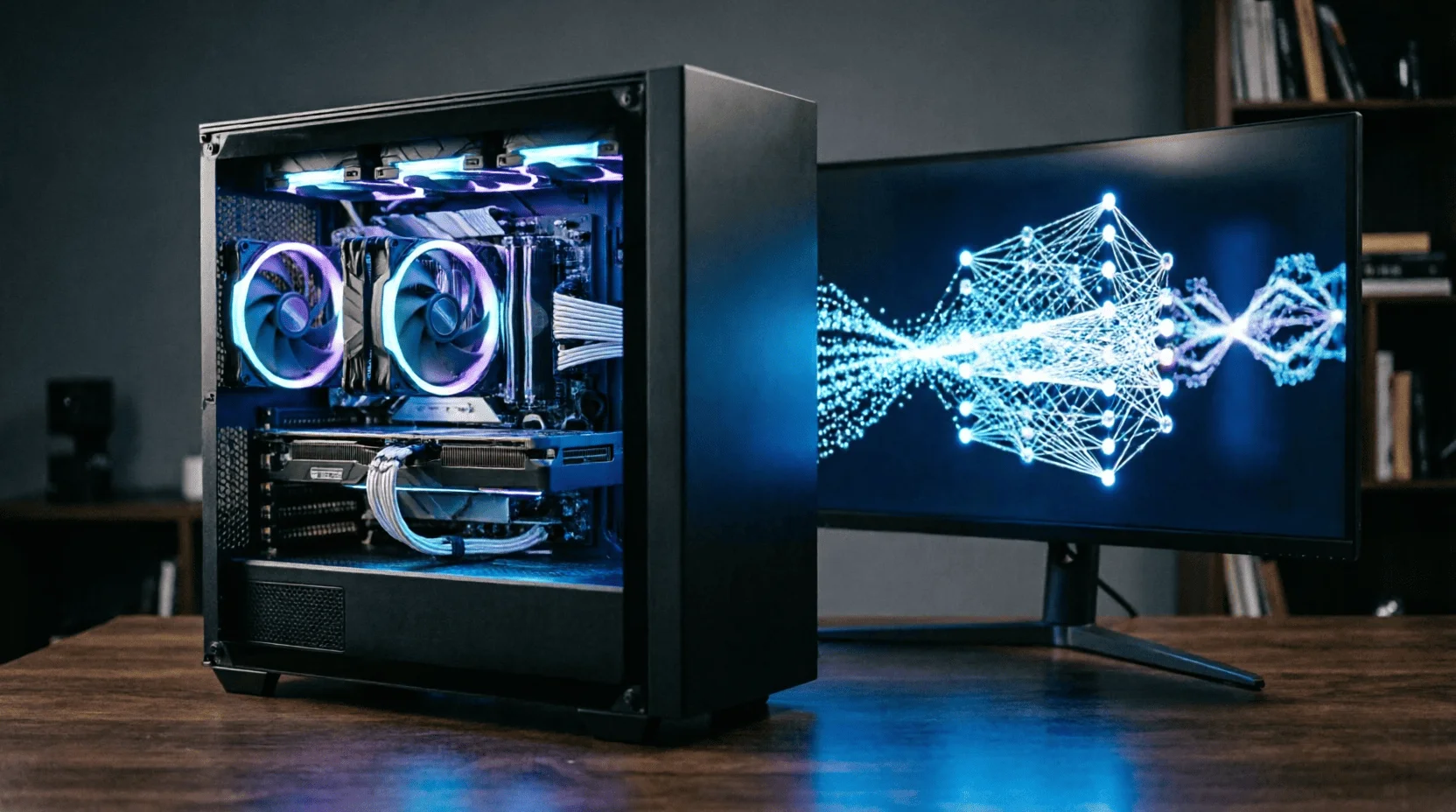
Local AI has changed the rules of PC building: while games care about clock rates and frame rates, neural networks care about video memory capacity and bandwidth, RAM for offloading, and a fast storage device for model weights. A single component error here isn't "minus 10 FPS," but "the model simply won't launch."Lemag.kzI took apart the 2026 hardware down to its bare bones—socket, GPU, memory type and frequency—and assembled four tenge configurations for real-world tasks.
1. Three types of AI workloads – and three different requirements
? LLM inference (chat, assistants, RAG).The VRAM size is crucial: the model must fit entirely, or almost entirely, in the video memory; the speed depends on its bandwidth.
? Image and video generation (Flux, SDXL, video models).VRAM + core speed: 12 GB is a comfortable minimum, 16–24 GB – no compromise on resolution.
? Further training (LoRA/QLoRA).VRAM + power and cooling stability: load hours under 100%.
First count the bytes, then the hertz: in an AI build, memory size is king, frequencies are the retinue.
2. The main rule: how much VRAM does a model consume?
? Formula:model size in Q4 quantization ≈ number of parameters × 0.7 GB + 2 GB per context.
? Real values 2026:
- 7B(basic assistants) - 6 GB VRAM: RTX 4060/5060 with 8 GB is just enough, comfortable with 12 GB;
- 14B(work assistants) - 10 GB: card from 12 GB;
- 32B(strong local assistant) - 20 GB: RTX 4090/5090 (24/32 GB) or offload part to RAM;
- 70B(almost cloud level) — 40+ GB: only Mac with 64–128 GB unified memory or a GPU + RAM bundle in offload mode (5–8 times slower).
? Generation:SDXL - 8-10 GB, Flux FP8 - 12-16 GB, video models - 16-24 GB.
3. Graphics Cards 2026: NVIDIA, AMD, and the VRAM Question
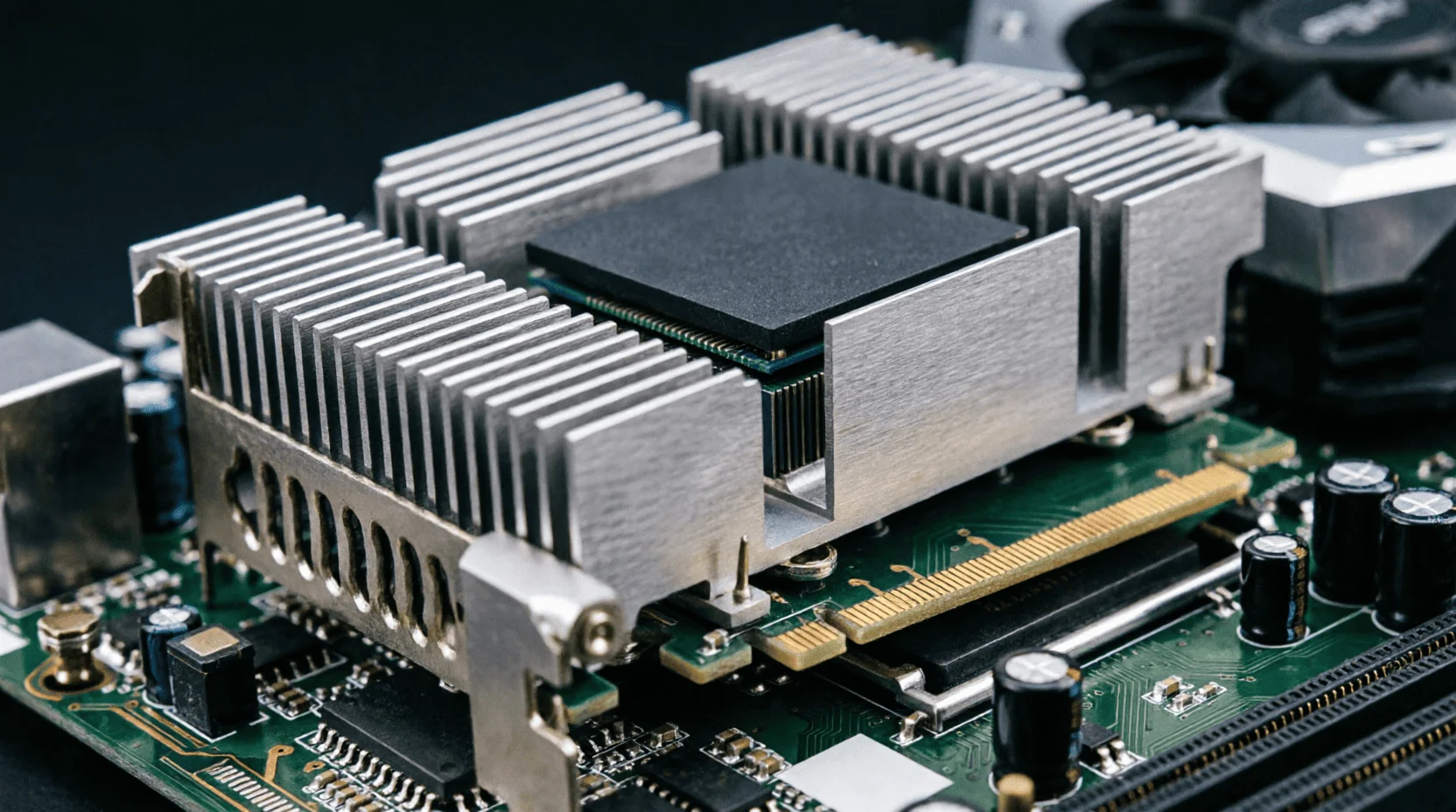
? NVIDIA RTX 50-series — the standard for AI.CUDA and the library ecosystem mean that any new software comes here first.
- RTX 5060 Ti 16 GB— People's AI login card: 16 GB for a reasonable price;
- RTX 5070 Ti 16 GB- generation and 14B models with reserve;
- RTX 5080 16 GB— speed for production generation;
- RTX 5090 32 GB— home ceiling: 32B entirely in VRAM, 70B in hybrid.
? AMD RX 9070 XT 16 GB.Powerful hardware for less; ROCm has caught up, but some tools are still NVIDIA-first. A pragmatist's choice for generation and inference in open-source stacks.
Previous generation second hand.RTX 4090 24GB and 4070 Ti Super 16GB are the best used deals of 2026: memory capacity never gets old.
? Apple Silicon.The M4 Max with 64–128 GB of unified memory is the only home-based route to 70B; the entry price is high, the performance is lower than top-end GPUs, but it's all in one box.
4. Processor and socket: where does the upgrade end?
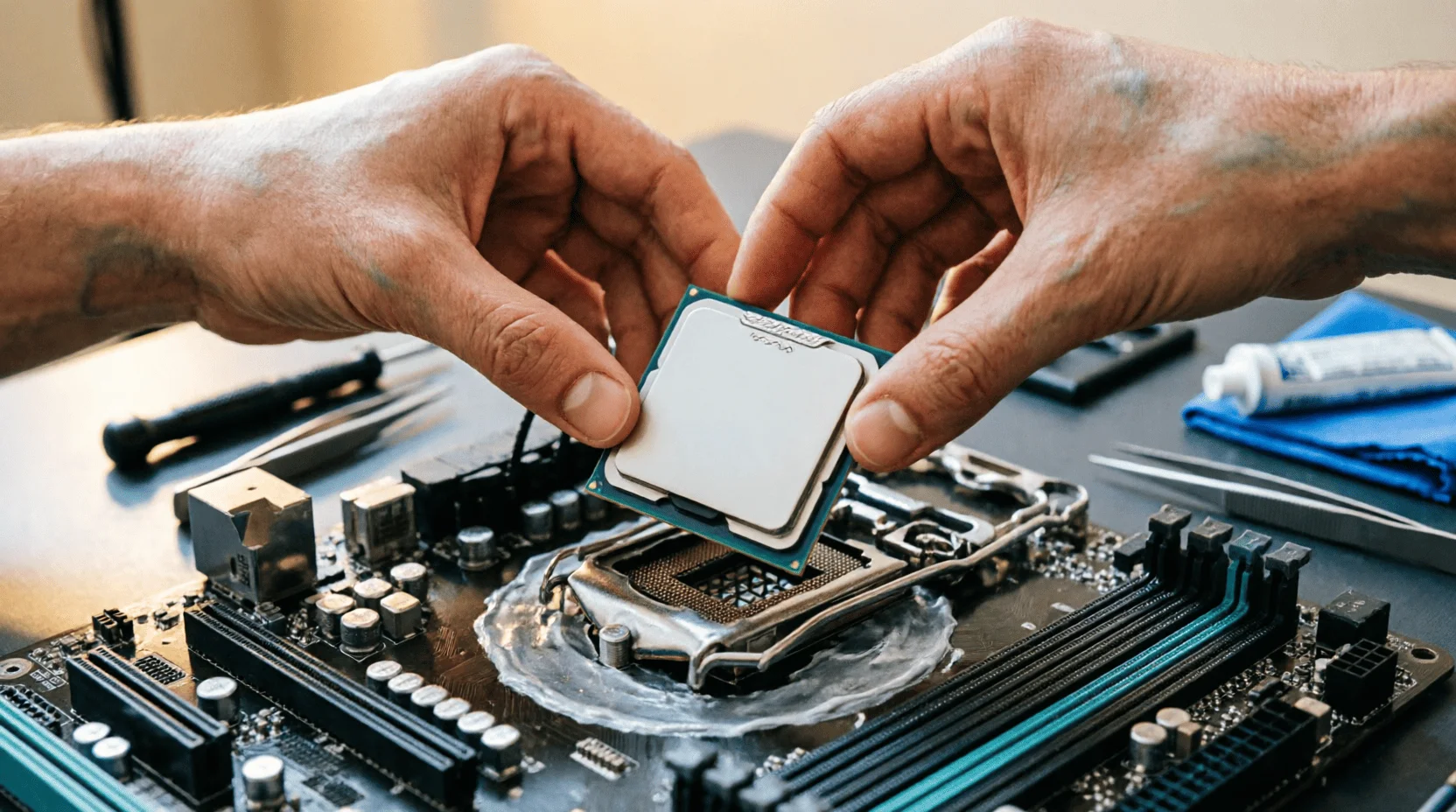
? AMD AM5 — a platform with a future.Ryzen 7000/9000 and X3D models; AMD promised socket support until 2027+, meaning the B650/X670E motherboard will survive two generations of upgrades. For an AI build, this is the key selling point: you can upgrade the CPU without changing the platform.
? Intel LGA1851 (Core Ultra 200).Strong single-threaded and NPU support, DDR5 and CUDIMM; but Intel's history in recent years has been a new socket every two generations: an upgrade after 2027 will likely require a new board.
⚪ LGA1700 and AM4 — only for budget builds.The platforms are closed; it only makes sense to buy them within a strict "one-cycle" budget.
? When CPU is important for AI:Pre-/post-processing, RAG indexing, CPU layer offloading, running models entirely in RAM (slow, but it works). Cores and memory bandwidth are crucial here: a 16-thread Ryzen 7/9 or Core Ultra 7 is optimal.
Socket rule:In an AI build, the AM5 platform is preferable—you'll be upgrading the graphics card and memory, and the board shouldn't become a bottleneck.
5. RAM: type, class, frequency
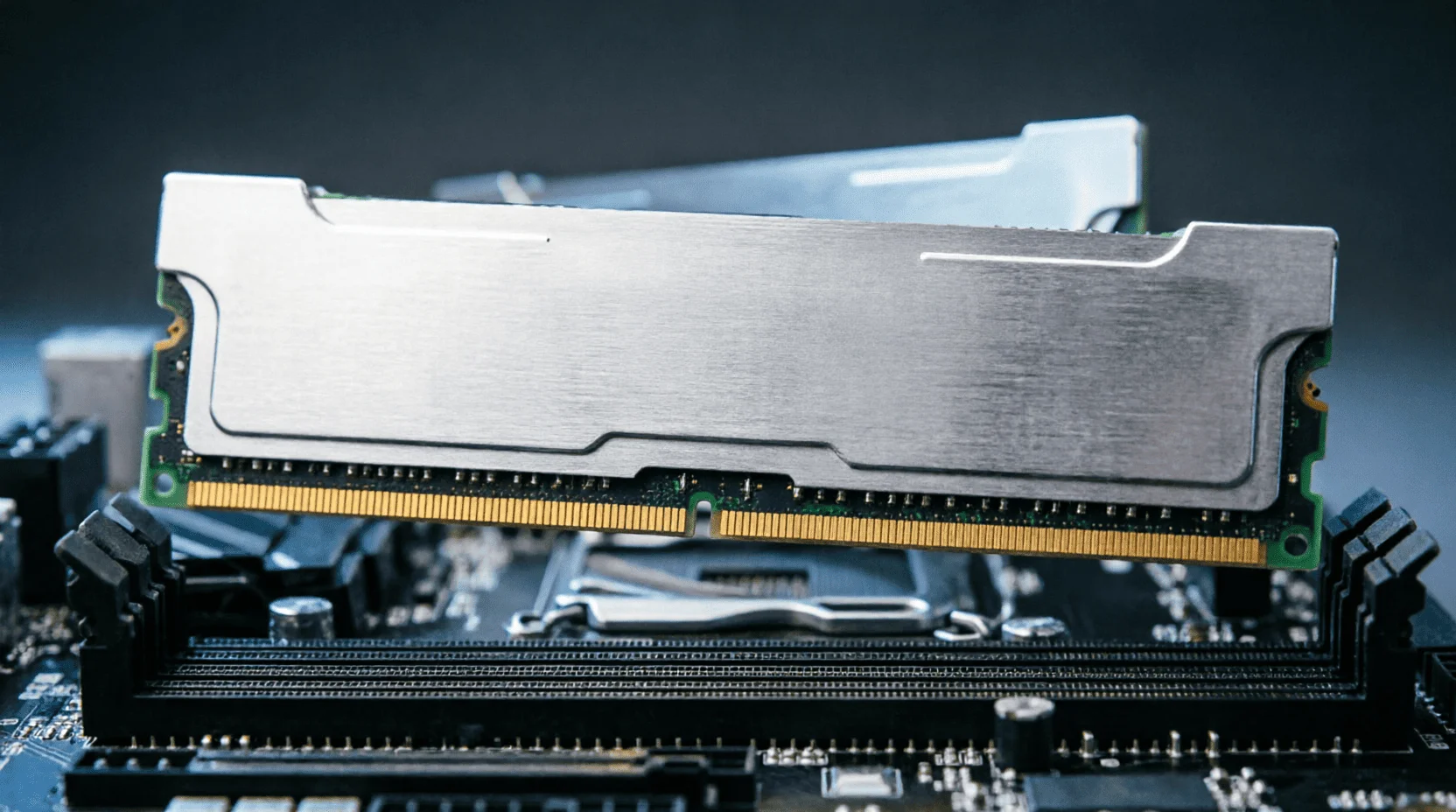
? Type.Only DDR5: DDR4 is limited to ~40 GB/s per channel versus 60–80 GB/s for DDR5 in its nominal form—for CPU inference and offloading, this is a direct loss of token speed.
? Frequency and classes:
- 5600 MT/s— JEDEC baseline: enough if the GPU does all the work;
- 6000–6400 MT/s (XMP/EXPO)— the golden mean of 2026: maximum “free” speed without any timing issues;
- 7200–8000+ MT/s (CUDIMM)— enthusiast class for LGA1851: gives 8–12% in CPU modes, but requires a high-quality board and additional payments;
- Timings:CL30–36 for 6000–6400 is optimal; lower CL is more expensive, higher CL means you lose latency.
? Volume.32 GB is the minimum for the build; 64 GB is the working standard (offloading 32B models); 96–128 GB is a "home server" for 70B in slow mode. Remember: after the memory price hikes from our gadget review, 64 GB is an investment worth making before the next price hike.
? Channels.Always two modules (dual channel): one 32GB module cuts the bandwidth in half - a common and expensive mistake.
6. NPU: Why does a processor need a neural network unit and how many TOPS does it need?
? Role of NPU:Background assistants, transcription, noise reduction, small models up to 3B - without GPU load and without its energy consumption.
? Levels 2026:40 TOPS is the Copilot+ threshold; 50–60 TOPS are new NPUs in mobile and desktop chips; 80+ TOPS are top-end solutions.
? Truth:The NPU doesn't replace the graphics card for the 7B LLM and generation; it's the "background brain" for the assistants we discussed in the article on AI assistants. In the build, the NPU is a nice bonus of the platform, not a selection criterion.
7. Storage: Models weigh tens of gigabytes
⚡ NVMe Gen4 2 TB— a reasonable minimum: a library of models, datasets, a generation cache.
? Gen5— for those who constantly switch heavy models: loading of 40 GB scales is reduced from 20–30 to 8–12 seconds.
? Second SATA SSDfor cold storage - cheaper than storing everything on NVMe.
8. Power and cooling: hours under 100%
? Power supply.RTX 5080/5090 draw 360–575 W at peak: 850–1000 W unit with ATX 3.1 and native 12V-2x6 cable — no adapters.
❄️ Cooling.Training and long generation are the hours of maximum load: a tower supercooler or a 280–360 mm liquid cooling system on the CPU and a well-thought-out airflow in the case (inlet at the front, outlet at the back/top).
9. Ready-made assemblies in tenge: four configurations
? "Entrance to AI" - 500-600 thousand tenge.Ryzen 5 7600 (AM5) + B650 + DDR5 32GB 6000 MT/s + RTX 4060 Ti 16GB (or 5060 Ti 16GB) + NVMe 1TB. Tasks: 7-14B assistants, SDXL, learning the basics.
? "Creator's Workstation" — 1.2–1.8 million tenge.Ryzen 7 9700X + B650E + 64GB DDR5 6400 + RTX 5070 Ti 16GB + 2TB NVMe Gen4. Tasks: Flux in FP8, 14B at speed, LoRA retraining.
? "Pro-level" — 2.5–3.5 million ₸.Ryzen 9 9950X3D + X670E + 96GB DDR5 6400 + RTX 5090 32GB + Gen5 2TB + 1000W PSU. Tasks: 32B entirely in VRAM, heavy generation, multiple models simultaneously.
? "Home Cluster" - from 4 million tenge.The same base unit + a second RTX 5090 (NVLink-like configurations aren't suitable for all workloads, but VRAM is shared during offloading) or a Mac Studio M4 Max 128GB as a second node. Workloads: 70B, experiments, commercial AI services—those we described in the article about working part-time on AI services.
10. Laptop or desktop for AI
? Laptop:RTX laptops offer 8–16 GB of VRAM with reduced power limits (-20–30% compared to desktops); Mac laptops with unified memory of 36–64 GB offer unique mobile access to larger models.
? Desktop:Same price = +30–40% performance and an upgrade instead of a replacement. For daily AI work, only a desktop; a laptop is for demonstrations and travel.
11. Upgrade or new build: what to change first?
? Upgrading an old system
- GPU with more VRAM- gives a leap in capabilities (a model that was not launched is launched);
- RAM up to 64 GB in two modules- offload and multitasking;
- NVMe Gen4 2 TB- a library of models without juggling discs;
- CPU and platform— last but not least: for AI, an old 8-core processor is rarely a bottleneck.
Rule:If your board is AM4/LGA1700 and you're aiming for 32B+, consider the new platform as a whole: a partial upgrade will hit the DDR4 and PCIe ceiling.
12. Bugs that kill AI builds
? "I took a powerful core, but 8 GB of VRAM."A fast card without any storage capacity is the most common overpayment: 14B Inference simply won't fit on it.
? One memory module.Saving 40 thousand tenge costs -30% speed in CPU modes.
? PSU is tight.The 50-series peaks shut down the system under training load; a reserve of 250-300 watts is required.
? Thermos body.GPU throttling after 20 minutes of generation means 20% less speed for free.
13. Checklist before purchase
? Ten questions about configuration
- Does VRAM cover my target model + 2GB stock?
- Memory - two DDR5 modules at 6000 MT/s?
- RAM capacity from 32 GB, or better yet 64?
- NVMe from 2TB Gen4?
- ATX 3.1 power supply with 300 W headroom?
- AM5 platform with upgrade potential?
- Does the case have normal airflow?
- Is the software I plan to use CUDA-compatible?
- Power outlet and UPS: Studying is a stressful time, a power surge shouldn't ruin your session.
- Budget for growth: Leave a 10% buffer—memory prices are volatile in 2026.
Result:An AI computer in 2026 is built around a single number—video memory capacity. Everything else follows suit: an AM5 platform for upgrades, two DDR5 6000+ modules for bandwidth, fast NVMe for model weights, and a reliable power supply for load hours. Start by answering "which model do I want to run locally?"—and the configuration will build itself, without overpaying for benchmarks, which mean nothing in AI. ?
❓ FAQ
How much video memory is needed for local LLM?
Q4 quantization: 7B — 6 GB, 14B — 10 GB, 32B — 20 GB, 70B — 40+ GB. Rule: model size in Q4 + 2 GB reserve for context.
Is a gaming PC suitable for neural networks?
Yes, if the GPU has 12+ GB of VRAM: RTX 4070/5070 and above can handle up to 14B graphics and image generation; the bottleneck is video memory capacity, not speed.
Mac or PC for working with AI?
A Mac with 64–128GB of unified memory is king of the larger models (70GB) at slower speeds; a PC with an RTX 5090 is fast and capable of training LoRA. For everyday work, a PC is faster.
Is DDR4 still relevant for AI tasks?
No: CPU inference and post-processing are bandwidth-dependent; DDR5-6000 delivers ~76 GB/s versus ~40 GB/s for DDR4-3600—a difference of up to 30% in CPU mode.
What does NPU in a processor provide?
Background assistants, noise reduction, small models up to 3B without GPU load; 40–80 TOPS is sufficient for Copilot scenarios, but does not replace the graphics card.
How much does AI assembly cost in Kazakhstan?
Entry-level (14B models) — 500–600 thousand tenge; solid mid-range (32B with offload, generation) — 1.2–1.8 million; pro-level (32B entirely in GPU) — 2.5–3.5 million; workstation (70B) — from 4 million.
Is it possible to further train models at home?
LoRA/QLoRA for 7-14B – yes, for 12-16 GB of VRAM; full training at home is not cost-effective – this is cluster level.
📚 Read also

Искусственный интеллект против рака: как нейросети становятся невидимым щитом современной онкологии
Как искусственный интеллект меняет онкологию: от сверхточной ранней диагностики до создания персонализированных лекарств. Узнайте, как нейросети и алгоритмы уже сегодня спасают жизни и становятся главным оружием врачей в борьбе с раком.

Желудок умнее блогеров: разбираем мифы о пищеварении и кухнях мира
Кишечник умнее пищевых блогеров: тремя миллионами генов микробиоты он решает, что там переваривается на самом деле. Разбираемся, почему детокс-соки — деньги на ветер, а средиземноморская и ферментированная кухни выигрывают спор с ультраобработанной едой с разницей в разы. Плюс график, который наглядно портит настроение любителям снеков из пакетика.

Качество недвижимости в новых районах Астаны, Алматы и крупных городов Казахстана: что происходит на рынке в 2025-2026 годах
Разбираем, как меняется качество жилья в новых районах Астаны, Алматы, Шымкента и других городов Казахстана в 2025-2026 годах, какие районы выбирать и на кого из застройщиков — от BI Group до SAT-NS — стоит ориентироваться при покупке квартиры.
💬 Comments (0)
No comments yet. Be the first!
Leave a comment
Comments are pre-moderated.